-
ansible when 조건문을 활용 rocky, ubuntu에 wordpress 설치 및 삭제공부합시다!/Ansible 2026. 10. 21. 14:32728x90
when 조건문을 활용해서 ubuntu와 rocky linux에 wordpress 설치 및 삭제하는 playbook 입니다.
ansible 예약 변수인 ansible_facts를 활용하기 위해서 gather_facts는 true로 설정.
1. 설치 코드
---
- name: wordpress downloac & install
  hosts: http
  gather_facts: true
  ignore_errors: true

  tasks:
  - name: package install rocky
    dnf:
      name:
        - wget
        - tar
        - httpd
        - php
        - php-gd
        - php-mysqlnd
    when: ansible_facts["distribution"] == "Rocky"

  - name: package install ubuntu
    apt:
      name:
        - apache2
        - php
        - php-gd
        - php-mysqlnd
    when: ansible_facts["distribution"] == "Ubuntu"

  - name: wordpress download
    get_url:
      url: https://ko.wordpress.org/wordpress-7.1.3-ko_KR.tar.gz
      dest: /root/

  - name: unarchive file
    unarchive:
      src: /root/wordpress-7.1.3-ko_KR.tar.gz
      dest: /root/
      remote_src: true

  - name: copy wordpress directory
    copy:
      src: /root/wordpress/
      dest: /var/www/html/
      remote_src: true

  - name: file copy wp-config-sample.php to wp-config.php
    copy:
      src: /var/www/html/wp-config-sample.php
      dest: /var/www/html/wp-config.php
      remote_src: true

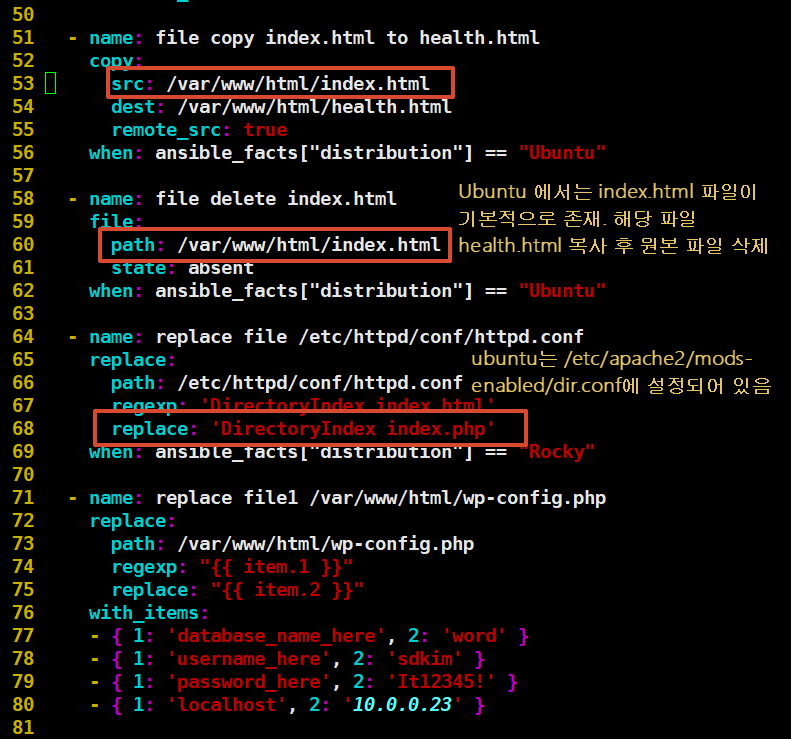
  - name: file copy index.html to health.html
    copy:
      src: /var/www/html/index.html
      dest: /var/www/html/health.html
      remote_src: true
    when: ansible_facts["distribution"] == "Ubuntu"

  - name: file delete index.html
    file:
      path: /var/www/html/index.html
      state: absent
    when: ansible_facts["distribution"] == "Ubuntu"

  - name: replace file /etc/httpd/conf/httpd.conf
    replace:
      path: /etc/httpd/conf/httpd.conf
      regexp: 'DirectoryIndex index.html'
      replace: 'DirectoryIndex index.php'
    when: ansible_facts["distribution"] == "Rocky"

  - name: replace file1 /var/www/html/wp-config.php
    replace:
      path: /var/www/html/wp-config.php
      regexp: "{{ item.1 }}"
      replace: "{{ item.2 }}"
    with_items:
    - { 1: 'database_name_here', 2: 'word' }
    - { 1: 'username_here', 2: 'sdkim' }
    - { 1: 'password_here', 2: 'It12345!' }
    - { 1: 'localhost', 2: '10.0.0.23' }

        #  - name: replace file2 /var/www/html/wp-config.php
        #    replace:
        #      path: /var/www/html/wp-config.php
        #      regexp: 'username_here'
        #      replace: 'sdkim'
        #
        #  - name: replace file3 /var/www/html/wp-config.php
        #    replace:
        #      path: /var/www/html/wp-config.php
        #      regexp: 'password_here'
        #      replace: 'It12345!'
        #
        #  - name: replace file4 /var/www/html/wp-config.php
        #    replace:
        #      path: /var/www/html/wp-config.php
        #      regexp: 'localhost'
        #      replace: '10.0.0.23'

  - name: service httpd started
    service:
      name: httpd
      enabled: true
      state: restarted
    when: ansible_facts["distribution"] == "Rocky"

  - name: firewall open 80/tcp
    firewalld:
      port: 80/tcp
      immediate: true
      permanent: true
      state: enabled
    when: ansible_facts["distribution"] == "Rocky"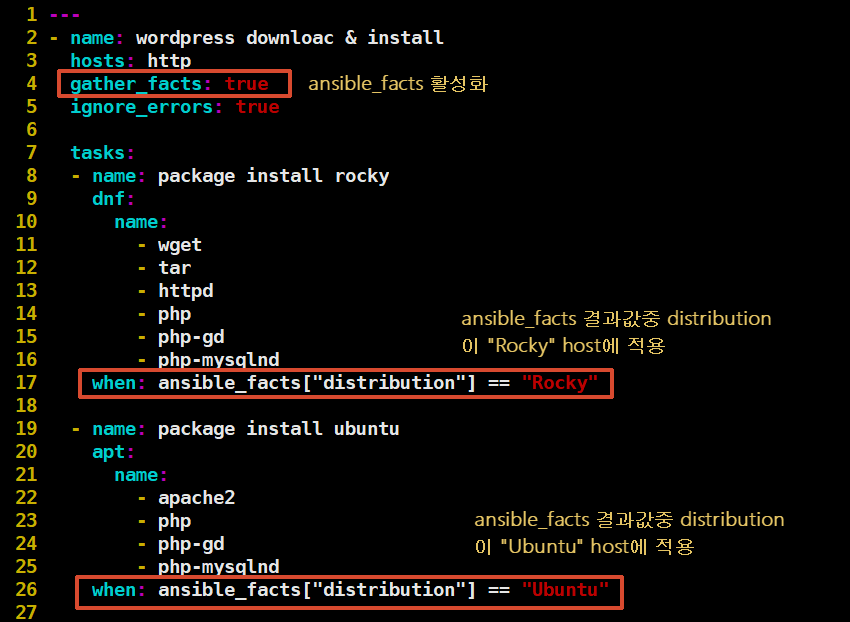
2. 삭제 코드
---
- name: wordpress remove
  hosts: http
  gather_facts: true
  ignore_errors: true

  tasks:
  - name: firewall init
    firewalld:
      port: 80/tcp
      immediate: true
      permanent: true
      state: disabled
    when: ansible_facts["distribution"] == "Rocky"

  - name: package delete
    dnf:
      name: "{{ item }}"
      autoremove: true
      state: absent
    loop:
    - wget
    - tar
    - httpd
    - php
    - php-gd
    - php-mysqlnd
    when: ansible_facts["distribution"] == "Rocky"

  - name: package delete ubuntu
    apt:
      name: "{{ item }}"
      autoremove: true
      purge: true
      state: absent
    loop:
    - apache2
    - php
    - php-gd
    - php-mysqlnd
    when: ansible_facts["distribution"] == "Ubuntu"

  - name: remove directory
    file:
      path: "{{ item }}"
      state: absent
    loop:
    - /var/www/
    - /etc/httpd/
    when: ansible_facts["distribution"] == "Rocky"

  - name: remove directory
    file:
      path: "{{ item }}"
      state: absent
    loop:
    - /var/www/
    - /etc/apache2/
    when: ansible_facts["distribution"] == "Ubuntu"

  - name: find file & directory
    find:
      paths: /root
      file_type: any
      patterns: "wordpress*"
    register: find_file

  - name: print find_file
    debug:
      var: find_file

  - name: delete file & directory
    file:
      path: "{{ item.path }}"
      state: absent
    loop: "{{ find_file.files }}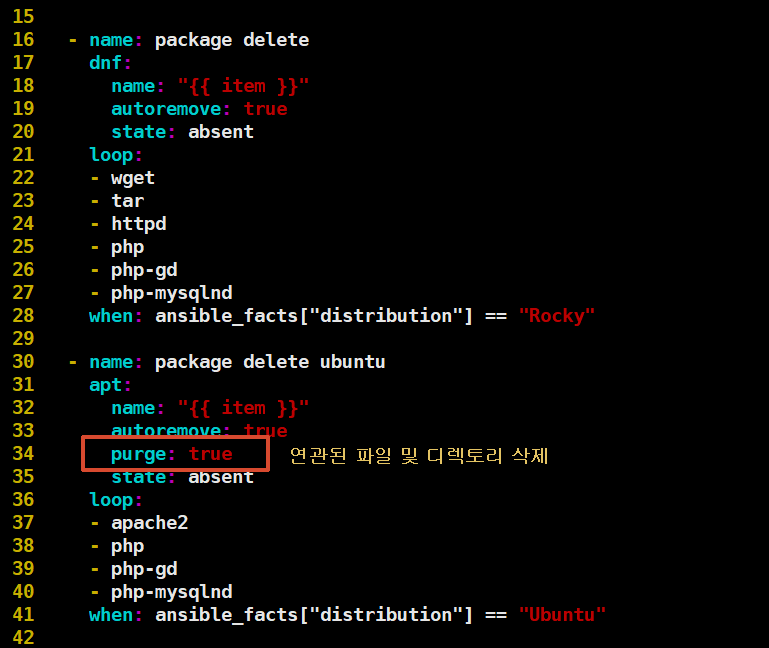
항상 테스트 해보시기 바랍니다.
본인 손으로 타이핑도 하시구요!
부록. mysql
--- - name: mysql install & create database hosts: db gather_facts: false ignore_errors: true tasks: - name: mysql package install dnf: name: "{{ item }}" state: latest loop: - mysql-server - python3-PyMySQL - name: mysql started systemd: name: mysqld state: restarted - name: db user create mysql_user: login_user: root name: sdkim password: It12345! priv: '*.*:ALL' host: '%' state: present - name: word db create mysql_db: login_user: root name: word state: present - name: firewall open 3306/tcp firewalld: port: 3306/tcp immediate: true permanent: true state: enabled728x90'공부합시다! > Ansible' 카테고리의 다른 글
특정 파일 및 디렉토리 삭제 (0) 2026.10.20 MySQL8.0 Install & Configuration (0) 2025.08.28 Ansible: Task실행 순서 지정 (0) 2024.07.16 Ansible: tags 특정 모듈이나 play만 지정해서 실행 가능 (0) 2024.07.15 Ansible: When과 facts 그리고 변수 (0) 2024.07.15